Open Food Vendors
From the Go Live Vegas app, open the Food section and allow location access if you want nearby sorting.
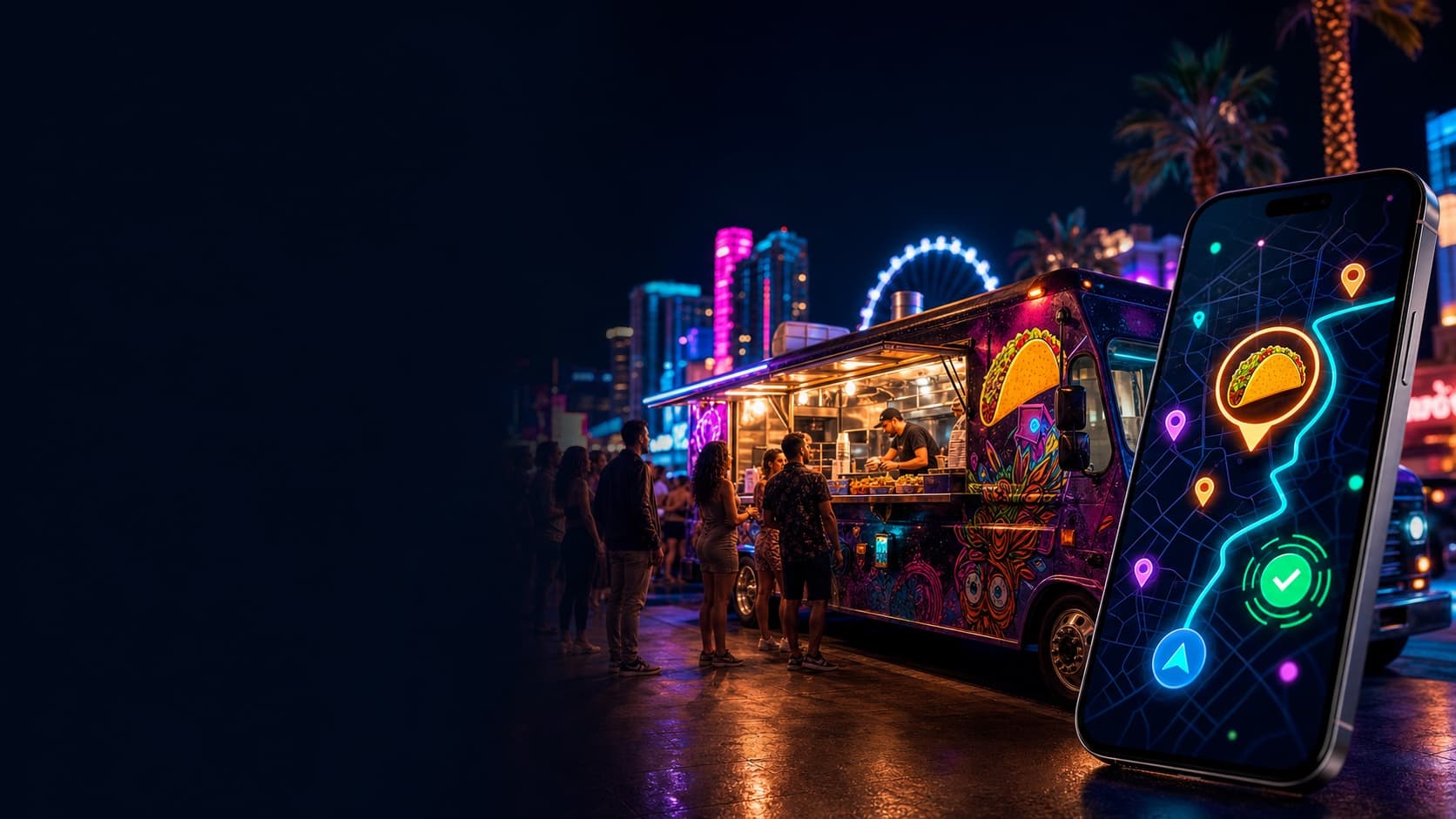
Go Live Vegas turns approved food trucks into live, location-aware discoveries. Customers can look for tacos, late-night bites or nearby favorites whenever hunger hits—and vendors control when their truck appears live.
THE 2:30 AM TACO TEST
Instead of searching old posts or driving to a truck that already left, open Food Vendors in Go Live Vegas. Live approved trucks can show their current service location, cuisine, hours and useful links so you can decide where to go next.
Open Food Vendors and look for tacos—or browse the trucks currently live nearby.
A live listing means the approved vendor is broadcasting its service location from the paired phone.
Review cuisine, specials, menu links and distance, then use directions or an available ride option.
FOR APP USERS
The Food Vendors section is designed for the moment—not just a directory of businesses that may or may not be open.
From the Go Live Vegas app, open the Food section and allow location access if you want nearby sorting.
See trucks that are currently live, featured vendors and approved profiles that may be offline right now.
Look for tacos, barbecue, desserts, vegan choices or another craving using the cuisine shown on each profile.
Review the current location, operating hours, distance, specials, menu and vendor links when available.
Open map directions or the available Uber and Lyft options from the vendor profile.
Food trucks can move or close. Refresh the listing and follow the most recent live location before starting your trip.
FOR APPROVED VENDORS
Only approved vendors can pair a device and control a live listing. The paired phone becomes the connection between the truck and customers looking right now.
Submit the Food Vendor application. GLV reviews the business, photo and plan before publishing an approved profile.
In Post → Food Vendor tools, enter the private one-time claim code from GLV. Keep the code private and use the phone that will stay with the truck.
At the truck, confirm today’s hours, cuisine, service area, specials and any promotional or coupon information.
Accept the live-location disclosure and allow location access. Notifications and background location strengthen live-zone monitoring.
Go live only when the paired phone is physically at the service location. That GPS position becomes the center of the live zone.
End the live session before closing or driving away so customers do not chase a location where the truck is no longer serving.
LIVE LOCATION
While a listing is live, the paired phone sends protected heartbeat and location signals to help GLV confirm that the truck remains near the advertised service location.
PAIRED PHONE
Truck → Live Zone → Customer Map
Start the session while physically at the truck.
Keep the paired phone near the live service location.
Keep location services and mobile data available.
Respond to a zone warning by returning to the truck or going offline.
End the session before the truck moves or service ends.
LIVE FOOD DISCOVERY
FOOD TRUCK LIVE NOW
APP → CITYWIDE SCREEN NETWORK
GLV Digital Nodes are networked television displays at participating venues, restaurants, events and advertiser locations around Las Vegas. The rotating GLV feed brings useful live app discoveries onto screens in the physical city.
Customers can check the app at any hour. Individual trucks set their own operating times and choose when to go live. If no truck is live, approved profiles may still help you discover vendors to follow for another time.
GPS, device permissions, mobile signal and heartbeat activity affect live accuracy. Always refresh before traveling. GLV does not operate the truck or guarantee hours, inventory, prices, food availability or service.
Download Go Live Vegas and open Food Vendors—or apply to put your approved truck on the live map.