STEP 01
Open Hotspots
In Go Live Vegas, open Hotspots / Vegas Pulse and look for a venue with a live promoter.
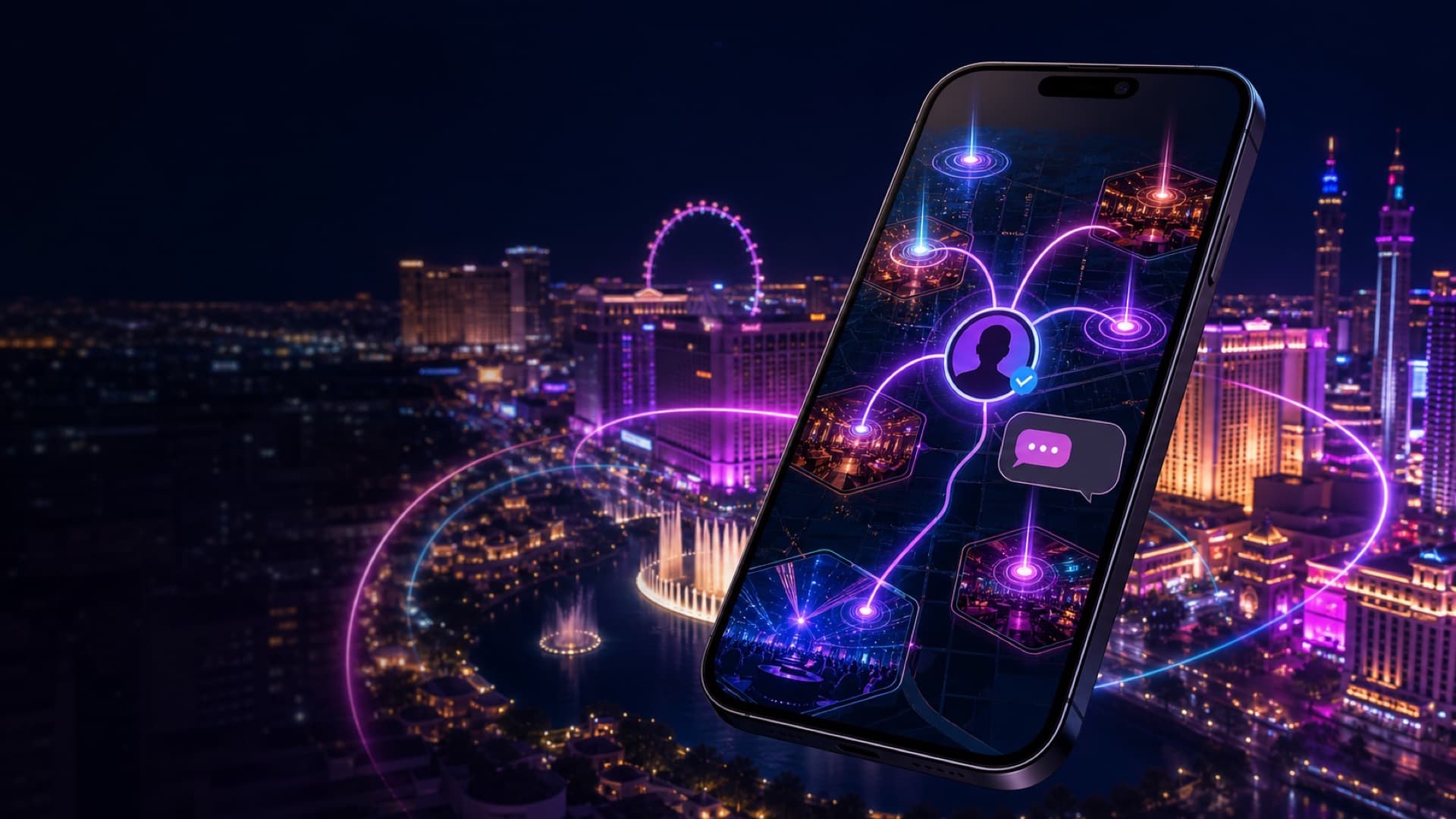
Hotspots / Vegas Pulse helps you see where Vegas energy is building. Ask a Vegas Promoter connects you with a verified promoter who is available right now—inside a private, accountable GLV conversation.
LIVE DISCOVERY
A live discovery layer for nightlife—not a static directory. Venue cards bring together GLV activity, nightlife media, current discovery signals and available promoter access so you can decide where to explore next.
VEGAS PULSE
Venue momentum
FOR APP USERS
When a verified promoter marks themselves available, their venue can appear as live in Nightlife Connect. You choose when to start a request; private chat opens only after a promoter accepts.
In Go Live Vegas, open Hotspots / Vegas Pulse and look for a venue with a live promoter.
Open the venue and tap Ask a Vegas Promoter. You may also choose a specific available promoter when offered.
Add your name, request type, party size and a useful note—guest list, entry information, dress code, group help or a table lead.
Your request is offered securely. A conversation does not open until a promoter accepts it.
Use the private thread for follow-up details. Keep personal or payment information out of chat unless clearly necessary and trusted.
When the request is finished, the conversation can be completed and you can leave feedback.
FOR PROMOTERS
Your GLV invitation is private and tied to the email address used by the Control Room. Complete setup on the phone where Go Live Vegas is installed.
The pairing code is a private, time-limited backup credential. It connects the correct promoter profile, invited email and assigned venue to Promoter Tools.
Tap Open Go Live Vegas & Finish Setup. If you open it on a computer, scan the QR code shown on the secure setup page.
The secure link opens Post → Promoter Tools with your invitation and email ready. Use the exact invited email address.
Create a password with at least 10 characters, confirm it and tap Create Account & Register. Already registered? Switch to Sign In instead.
If GLV gives you a one-time pairing code, enter the complete code in Promoter Tools with your invited email. Do not post or share it.
Review your assigned venue, choose the availability window and tap Go Available only when you are ready to answer requests.
Review the service type, party size and note. Accept before the private chat opens, reply promptly, then complete the conversation when finished.
LIVE • ACCEPT • CHAT • COMPLETE
Your live status can appear on Home, Hotspots / Vegas Pulse, Explore and your assigned venue.
Check the request details first. Accepting creates the private GLV conversation.
Give useful information without promising admission, pricing, tables or entry.
Complete the request when done. Promoters have a short 15-minute reopen window for a forgotten follow-up.
NIGHTLIFE CONNECT
PROMOTER LIVE NOW
APP → CITYWIDE SCREEN NETWORK
GLV Digital Nodes are networked television displays placed at participating venues, restaurants, events and advertiser locations around Las Vegas. Their rotating GLV feed connects the physical city with what is happening live in the app.
WORK THE GLV WAY
IMPORTANT
Promoters provide current, local guidance. Venue management and security always control admission, capacity, dress code, identification requirements, pricing and final entry decisions. Nightlife venues may be 21+.
Download Go Live Vegas, open Hotspots and look for the live promoter signal.